October 25, 2026 Update
Your duplicates: choose what to recycle, and meet the Workshop
Your duplicates are now good for more than coins.
Choose the duplicates to recycle
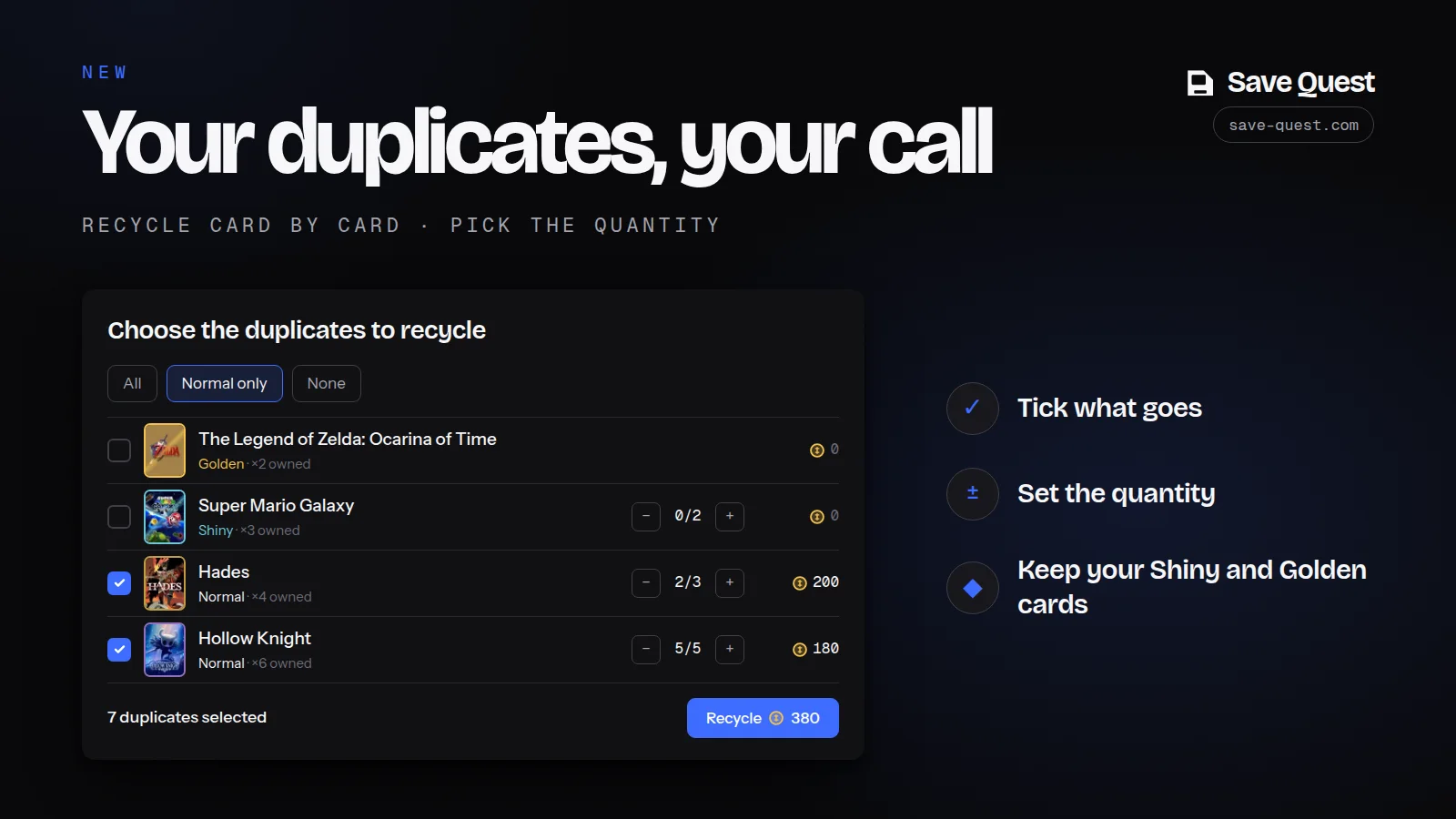
“Recycle my duplicates” no longer recycles everything at once: the button opens the list of your duplicates.
- Tick the ones that go, and set the quantity card by card with the − and + buttons.
- Three shortcuts: All, Normal only (to keep your Shiny and Golden cards) and None.
- The most valuable ones are at the top of the list, and the coin total updates before you confirm.
The Workshop: 5 duplicates, 1 rarer variant
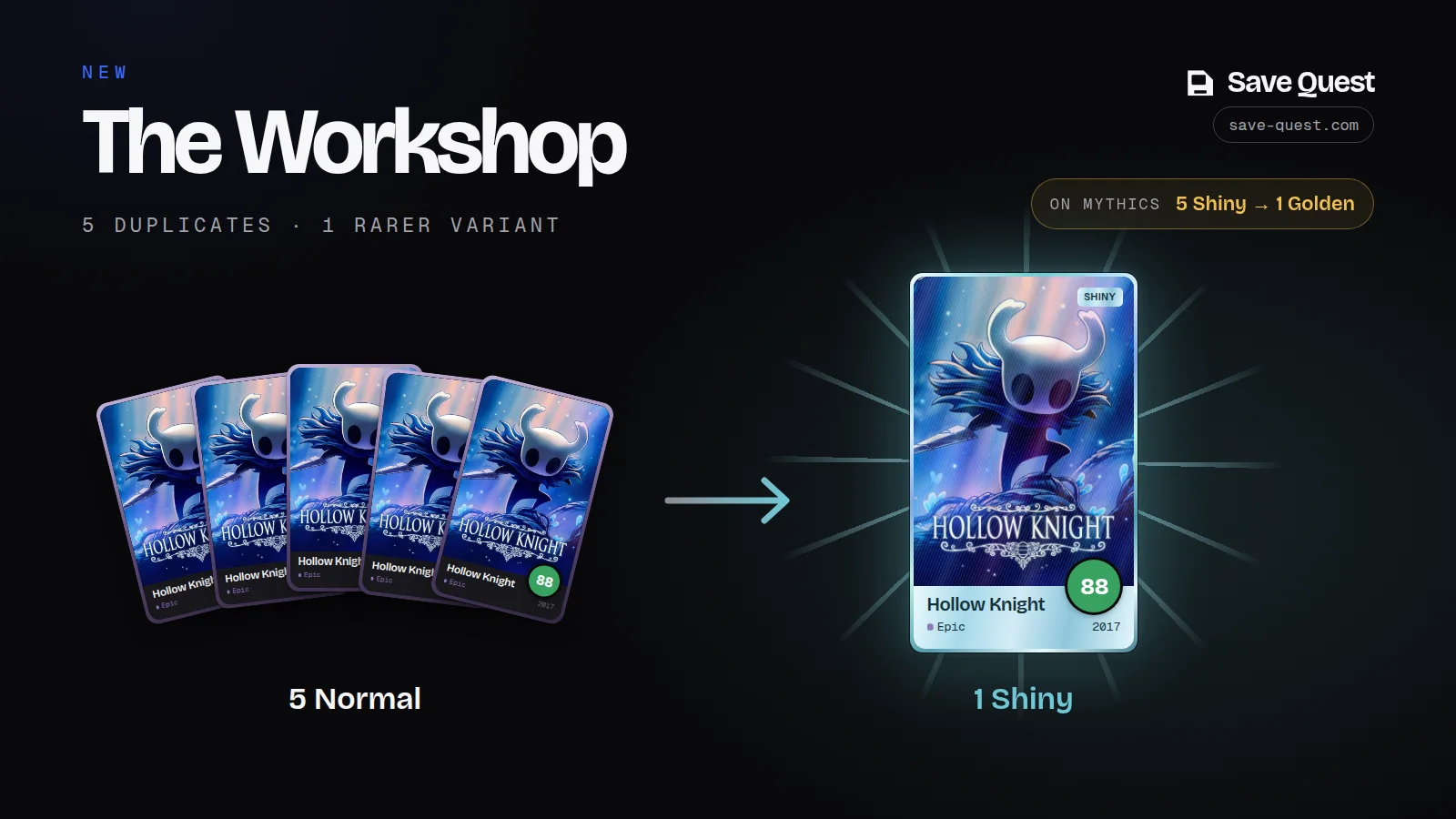
On a card’s sheet, the Workshop block fuses your duplicates into a rarer variant:
- 5 Normal copies of a card make 1 Shiny copy of that card.
- 5 Shiny copies of a Mythic make 1 Golden one.
Your last copy is never used, and neither are cards promised in a pending trade. When a fusion is possible, the block lights up: a confirmation shows what you give and what you get, then the new card comes out of the fusion.
To find every card ready to fuse, pick the “Ready to fuse” filter in the Collection.
A clearer card sheet
On desktop, a card’s sheet now has two columns: the card on the left, everything else on the right, with no scrolling needed. Variants are picked with buttons that show how many copies you have.